
Three ideas to create a unique learning experience with ONE


If you have a class with several different learning levels, ONE makes it easier to adapt your homework materials and instructions to your students’ level and create individualized learning strategies more quickly. Read on for a few ideas on how to help all your students progress based on their abilities!
Differentiating your teaching strategy helps you address your students’ needs when not everyone is ready for the same level of assignment. Whether in class or outside of school, ONE helps make differentiation easier.
1. Create specific learning plans
ONE lets you offer students adapted instructions, differentiated resources, and inclusive formatting. Teachers can create groups for students with similar learning needs and save their lists in their share favorites to save time (through the share window or Directory app). They can then create a Homework Notebook for each group of students, for example.
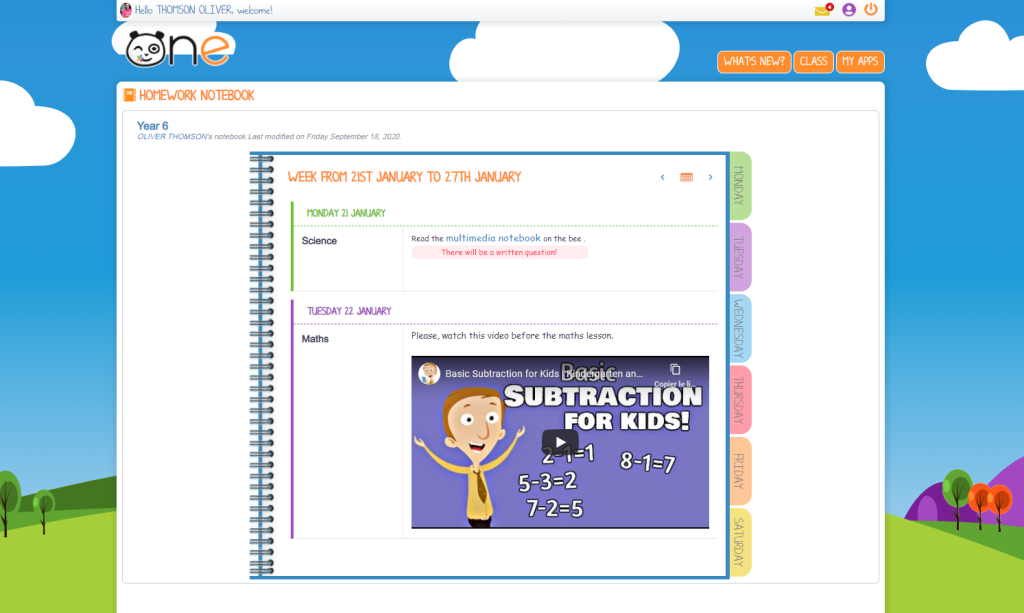
Each notebook can then be tailored to the different student groups and include adapted instructions and guidance. That way, not all the students will be doing the same thing at the same time. Some might be working on skills they haven’t quite mastered yet, while others can focus on a different project. Teachers can also create help pages in the Wiki or Multimedia Notebook apps to further tailor the assignment to each students’ comprehension level. Teachers can also communicate with students who are struggling on an individual basis via the Mailbox. These features help ensure students can complete their homework successfully.
2. Vary your teaching materials
To ensure their lessons are accessible to everyone, teachers can choose from a wide variety of formats. For example, using the Mind Map, which helps with conceptualization, and adding multimedia content, such as a video, can be great ways to get through to students.
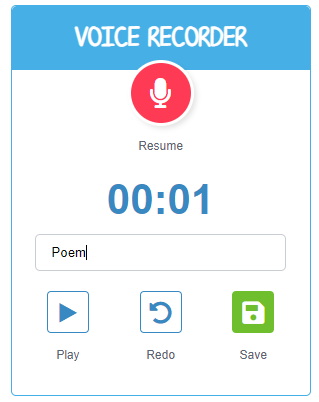
Another tried-and-tested idea on ONE involves letting students complete their dictations at their own pace. Teachers can record a dictation on the Voice Recorder. At home, students can listen to it on their own and at their own pace. That way, they can better understand the concepts, vocabulary, diction, and context of the dictation before they write it down in class. Voice Recorders can also be used to keep track of a student’s progress. After studying a particular concept, teachers can allow students to submit a written report or an oral presentation based on the strengths of each student, for example.
3. Keep track of progress
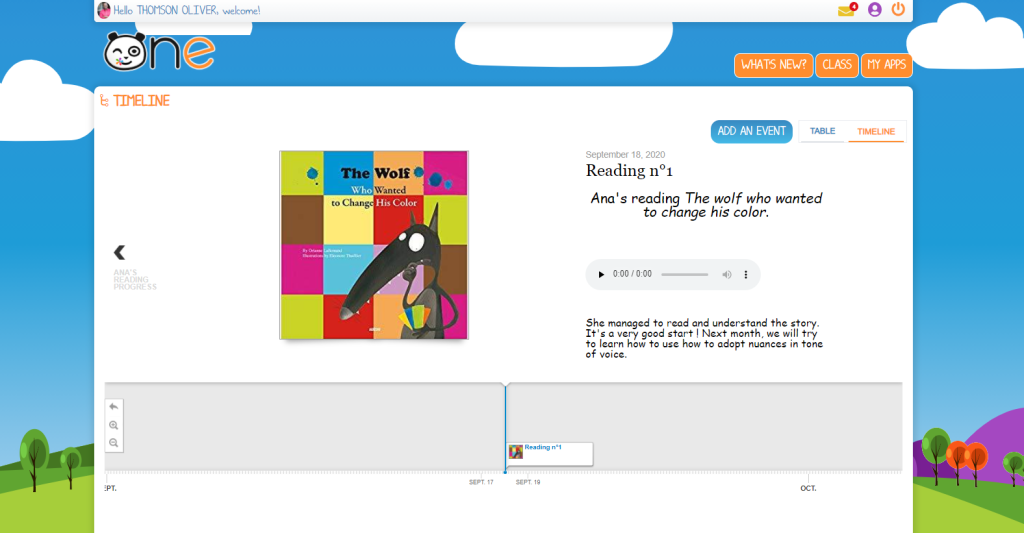
Finally, to create specific and short-term goals with students, provide regular feedback, and track their progress, teachers can create a Multimedia Notebook or a Timeline for each individual. Throughout the year, they can report on and visualize each student’s progress while also easily adding links to other apps with the student’s work. The applications also make it easier to anticipate the next steps in the student’s learning process and even incorporate self-evaluations.
comments
Add comment